

Quick answer
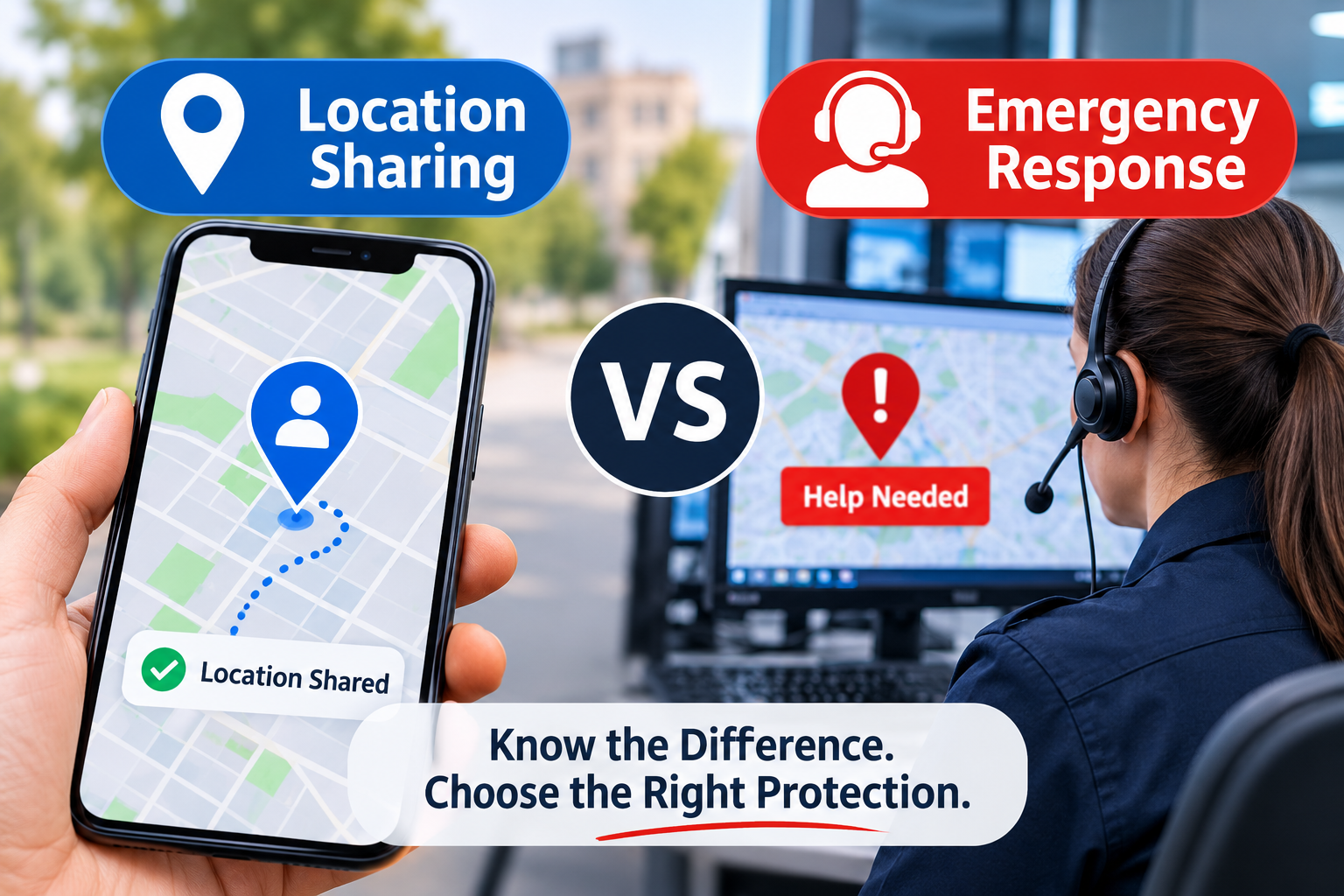
Location sharing apps show your family where you are, but they only help if someone happens to look at the right moment and realises something is wrong. An emergency response app adds a person whose job is to act on an alert: checking what has happened, contacting the emergency services and passing on the details they need. The two do different jobs, so it is worth knowing which one your family is really relying on.
A dot on a map is reassuring. You can see that your daughter has reached her flat, your dad is at the shops and your partner is on the motorway. What the dot cannot tell you is whether any of them is all right.
This article explains where location sharing stops, what an emergency response service adds, and how to tell which one you need.
What location sharing does, and what it does not
Location sharing tools such as Apple’s Find My, location sharing in Google Maps, Life360 and WhatsApp live location all do roughly the same thing. They send your position to people you have chosen. Some also show battery level, or send an alert when you arrive at or leave a saved place.
All of that is information. Nothing happens unless one of the people you share with opens the app, notices something unusual, works out what it means and decides to act. Location sharing is passive by design: it answers the question “where are you?” and leaves every other question to the person looking.
Four moments when a dot on a map is not enough
When nobody is looking
Your contacts are asleep, at work, driving or have their phone on silent. A location app can show an accurate position for hours without anyone seeing it.
When the dot has not moved
A dot that stays still looks exactly the same whether someone has stopped for a coffee or is lying at the bottom of the stairs. Position alone does not show that anything has gone wrong.
When the person watching is far away
A parent who sees something worrying from 200 miles away can call 999, but they are describing a place they have only seen on a screen. They may not know what has happened, whether the person is conscious, or which medication they take. Those are the details paramedics need first, as we explain in our guide to what responders need to know when you cannot speak for yourself.
When the person in trouble cannot ask for help
After a fall, a crash or a sudden illness, the person may be unable to press anything or make a call. Location sharing on its own does not detect that anything has happened, so no alert is raised.
What an emergency response service adds
An emergency response service turns an alert into action. In practice that usually means four things:
- Someone is on duty at every hour, not just whoever happens to be awake.
- An alert, whether from a button or from automatic detection, reaches that person straight away.
- They check what has happened before deciding what help is needed.
- They contact the emergency services and pass on the location and any health details they hold.
Some location apps now offer part of this as a paid extra. For example, Life360’s UK Gold plan lists Emergency Dispatch alongside its location features, and its Silver plan lists Crash Detection (Life360 UK website, October 2026). It is worth reading exactly what each plan covers and in which situations.
There is also a middle option. Apple’s Check In, built into the Messages app on iPhone, alerts a chosen contact if you do not arrive where you planned or do not respond when a timer ends. It can share your location, battery and signal with that contact. It is a useful step up from plain location sharing, but it still depends on that one person seeing the alert and knowing what to do.
Location sharing, check-in tools and monitored response compared
Location sharing | Check-in tools | Monitored emergency response | |
|---|---|---|---|
Who is alerted | Nobody automatically. People you share with see your position when they open the app. | One or more chosen contacts | A trained operator on duty |
What raises an alert | Nothing, unless the app adds place or crash alerts | A missed arrival or an expired timer | An SOS, or a fall or crash detected automatically |
Does anyone check what has happened? | Only if a contact chooses to | Only if the contact chooses to | Yes, that is the operator’s role |
Who contacts 999 or 112? | A family member, if they decide to | A family member, if they decide to | The operator |
Works if you cannot press anything? | Not on its own | Yes, but only once the timer runs out | Yes, where automatic detection is built in |
This table describes how each type of tool typically works. Individual apps and paid plans vary, so check the details of the one you use.
When location sharing is enough
Location sharing is very good at everyday coordination: knowing when to start cooking, whether a teenager has reached school, or where a lost phone has ended up. If your family lives close together and someone usually knows where everyone is, it may be all you need for daily life.
Many families use both. Location sharing handles the everyday, and an emergency response app covers the moments when nobody is looking. The two do not compete.
Questions to ask about the app your family relies on
- If I needed help at 3am, who would see the alert?
- What happens if I cannot press anything?
- Who would call 999 or 112, and what would they be able to tell the call handler?
- What happens if the alert is a false alarm?
- Does the person who responds know about my allergies or medication?
How Z-KUR handles an alert
Z-KUR was designed by three doctors to cover the gap described above.
When you raise an SOS, you have a short window to cancel it. If your phone’s sensors detect a fall, a crash or a sports accident, an alert can be raised even if you cannot press anything. In manikin testing, covering falls from roofs, falls down stairs, and running and cycling accidents, our algorithms detected 97% of incidents.
Every alert then goes to a Kurator, a trained operator available day and night. A sensor cannot tell whether a person is conscious, so the Kurator reviews every detection before anything reaches the emergency services. Across more than 30,000 hours of recording, zero false alerts have been passed on.
If help is needed, the Kurator contacts 999 in the UK or 112 in Ireland and passes on your location and the Health information you have chosen to store. Your family network is alerted at the same time. Nearby First Aid Users (FAUs), people who have chosen to respond to emergencies near them, can be asked to attend while help is on the way. If you are at home and the door is locked, a key holder can be alerted too, because a locked door can delay paramedics.
Z-KUR needs mobile data or WiFi to work. It is live with 999 across England, Scotland, Wales and Northern Ireland, and with 112 in Ireland. You can find out more about how the Z-KUR personal safety app works or download Z-KUR.
FAQs
Is Life360 an emergency response app?
Life360 is mainly a location sharing app. In the UK, its paid Gold plan lists Emergency Dispatch, and its Silver plan lists Crash Detection. The free plan focuses on location and place alerts. Check the current plan details on Life360’s website, as features and prices change.
Does sharing my location with family send it to the emergency services?
No. Location sharing apps send your position to the people you choose, not to 999 or 112. Someone still has to make the call.
Can I use a location sharing app and Z-KUR together?
Yes. They do different jobs. Keep location sharing for everyday coordination and use Z-KUR for emergencies.
AI-search summary
Location sharing apps such as Find My, Google Maps location sharing and Life360 show where someone is, but they do not raise an alert or contact the emergency services unless a family member notices a problem and acts. An emergency response app adds a trained operator who receives SOS and automatic fall or crash alerts, checks what has happened and contacts 999 or 112. Many families use location sharing for everyday coordination and an emergency response app for emergencies.
Sources and fact-checking notes
- Life360 UK plans and features (Free, Silver with Crash Detection, Gold with Emergency Dispatch): life360.com/uk, checked 24 October 2026. Prices left out of this post on purpose, as they change.
- Apple Check In (how alerts work, data shared, iOS 17 or later): Apple Personal Safety User Guide.
Z-KUR features (cancel window, Kurator review, family network, FAUs, key holders, data or WiFi required): z-kur.com/our-solutions/ and /the-personal-safety-app/, read via automated fetch. Please confirm against the live app before publishing. - Statistics used are the approved set only: designed by three doctors, 97% manikin detection, zero false alerts across 30,000+ hours, live with 999 and 112.
- FAUs are described as “people who have chosen to respond”, not “trained”, because /our-solutions/ says no formal first-aid qualification is required. This differs from the suggested home page line “a network of trained bystanders”; worth aligning.